TL;DR: 4K IPTV is live television streamed in genuine Ultra HD — four times the detail of regular HD — and in 2026 it has become the standard for serious streaming households in the USA and Canada. To enjoy it you need three things: a provider that actually transmits native 4K (with DodoIPTV, 4K + HDR is standard on every plan), an internet connection of roughly 25 Mbps, and a 4K-capable device, which most modern TVs and Firesticks already are. 8K IPTV exists on paper, but as we explain below, it is not worth chasing yet. Here is the complete picture — what real 4K IPTV looks like, how to spot fake 4K, what it costs, and how to set it up tonight on a one-month plan.
What Is 4K IPTV, Exactly?
4K IPTV combines two technologies. IPTV delivers television over your internet connection instead of cable or satellite, and 4K resolution (3840×2160 pixels, also called Ultra HD or UHD) packs four times as many pixels as standard 1080p Full HD. Put together, you get live channels, sports and movies streamed to your screen at a level of detail that traditional North American cable — which still tops out at 1080i on most channels — simply cannot match.
The difference is not subtle. On a 55-inch or larger TV, 4K means you can read the score bug clearly during a hockey game, see the grain of the pitch in a soccer match, and watch movies the way they were mastered. Once you have watched a UFC pay-per-view in true 4K with HDR, going back to compressed cable HD feels like a downgrade you can’t unsee. If you are new to IPTV in general, start with our complete setup guide — this article focuses on getting the best possible picture.
True 4K vs Fake 4K — The Trick Cheap Providers Play
Here is the industry’s dirty secret: many services advertise “4K IPTV” while actually streaming upscaled 1080p — or worse, 720p stretched to fill a 4K screen. The stream arrives labeled “4K,” your TV reports 2160p, but the actual picture information is ordinary HD. You paid for Ultra HD and received marketing.
Genuine 4K IPTV requires the provider to ingest a native 4K source and transmit it using a modern codec — usually H.265/HEVC — at a serious bitrate, typically 15–25 Mbps per channel. That costs the provider real bandwidth money, which is exactly why oversold cheap services fake it. Three quick ways to spot the difference during a trial:
- Watch fast motion. Real 4K stays sharp during a fast break or a counter-attack; upscaled streams smear and block up the moment the camera pans.
- Check fine text. Tickers, score overlays and jersey numbers are razor-crisp in native 4K and slightly soft in upscaled HD.
- Look at the bitrate. Apps like TiViMate can display stream stats. A “4K” channel running at 6 Mbps is not 4K — native UHD needs roughly triple that.
This is the single biggest reason we tell readers to always start with a one-month plan and test during a live game before committing to anyone long-term.
What About HDR? The Upgrade Inside the Upgrade
Resolution is only half of picture quality. HDR (High Dynamic Range) expands the contrast and color the stream can carry — brighter highlights, deeper blacks, and colors that look real instead of washed out. A 4K stream with HDR routinely looks better than plain 4K without it, especially for evening sports under stadium lights. When you compare providers, look for “4K + HDR” together: DodoIPTV includes HDR on supported channels as standard, and any modern 4K TV sold in the USA or Canada since about 2019 supports it.
Internet Speed: What 4K IPTV Really Needs in the USA & Canada
The good news: average broadband in both countries comfortably exceeds 4K requirements now. Here is what you actually need per simultaneous stream:
| Quality | Minimum speed | Comfortable speed |
|---|---|---|
| HD 1080p | 8 Mbps | 15 Mbps |
| 4K Ultra HD | 20 Mbps | 25–35 Mbps |
| 4K HDR live sports | 25 Mbps | 40 Mbps |
| Two 4K streams at once | 50 Mbps | 70+ Mbps |
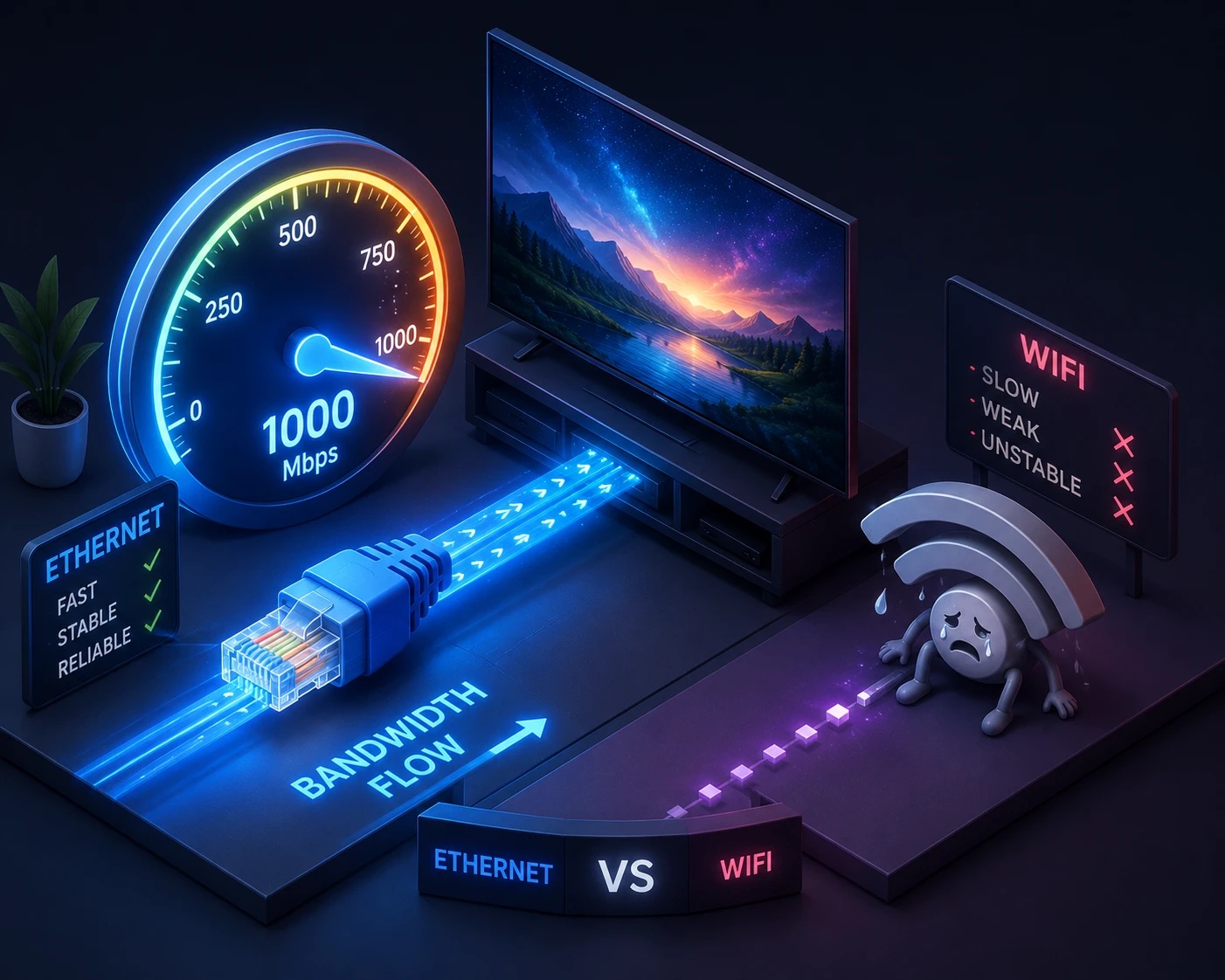
Run a quick speed test before you start. Two practical tips matter more than raw speed: first, use Ethernet instead of Wi-Fi where possible — a wired connection eliminates the micro-drops that cause buffering during live sports. Second, if you must use Wi-Fi, keep the router in the same room or add a mesh node; a 500 Mbps plan means nothing if the signal reaching your Firestick is weak. If buffering is your main worry, our IPTV buffering guide works through every fix in order.
The Devices That Do 4K IPTV Properly
Not every streaming stick decodes 4K HEVC smoothly. These are the safe choices in 2026:
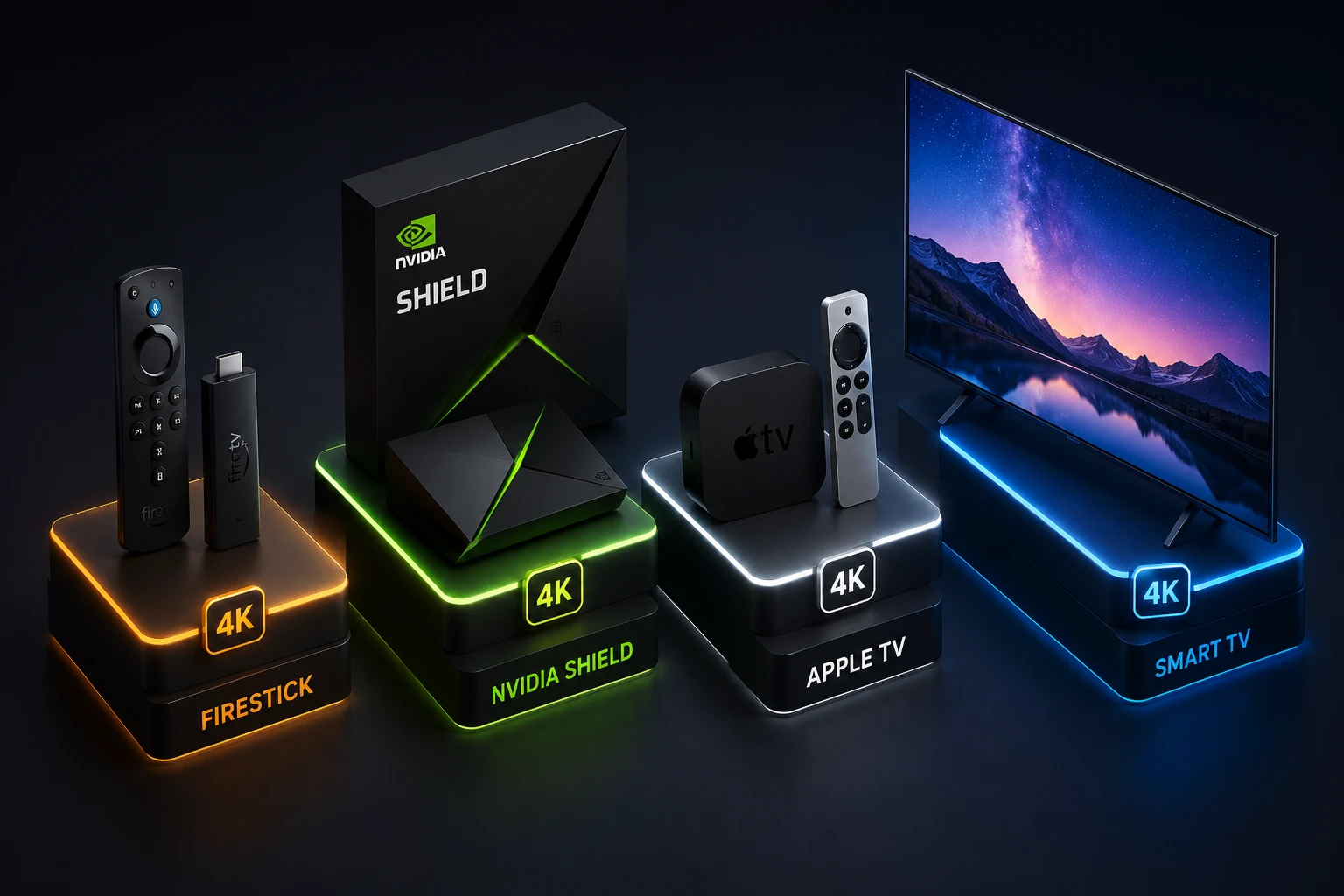
- Amazon Fire TV Stick 4K / 4K Max — the most popular IPTV device in North America; handles 4K HEVC + HDR effortlessly and costs little.
- NVIDIA Shield TV Pro — the enthusiast’s pick; the strongest decoder and upscaler on the market.
- Apple TV 4K — flawless playback for iPhone households via the Smarters Player Lite app.
- Samsung / LG Smart TVs (2019+) — run IBO Player or Flix IPTV natively, no stick needed.
- Android TV boxes / Google TV — fine, as long as the chip supports HEVC 4K60.
Avoid the basic non-4K Firestick and very old Android boxes — they cap at 1080p and will silently downgrade your “4K subscription” to HD. For app choices on each device, our best IPTV player apps guide ranks all seven, our best IPTV box guide picks the right hardware, and the installation guide walks you through setup in under ten minutes.
What 4K IPTV Costs in 2026 (USA & Canada)
Here is the pleasant surprise: with a proper provider, 4K costs nothing extra. Cable companies in the USA and Canada charge $10–$20/month extra for their handful of 4K channels and a UHD box rental. A premium IPTV service includes 4K on every plan. DodoIPTV runs $15 for a month or $80 for a full year ($6.67 a month, 2 devices), down to $5 a month on the 2 year plan, with 4K + HDR standard. Compare that with the $80–$120 average North American cable bill, or see why a paid service beats “free” in our free IPTV vs paid IPTV breakdown. The full plan details are on our pricing page.
4K IPTV for Live Sports — Where It Shines Most
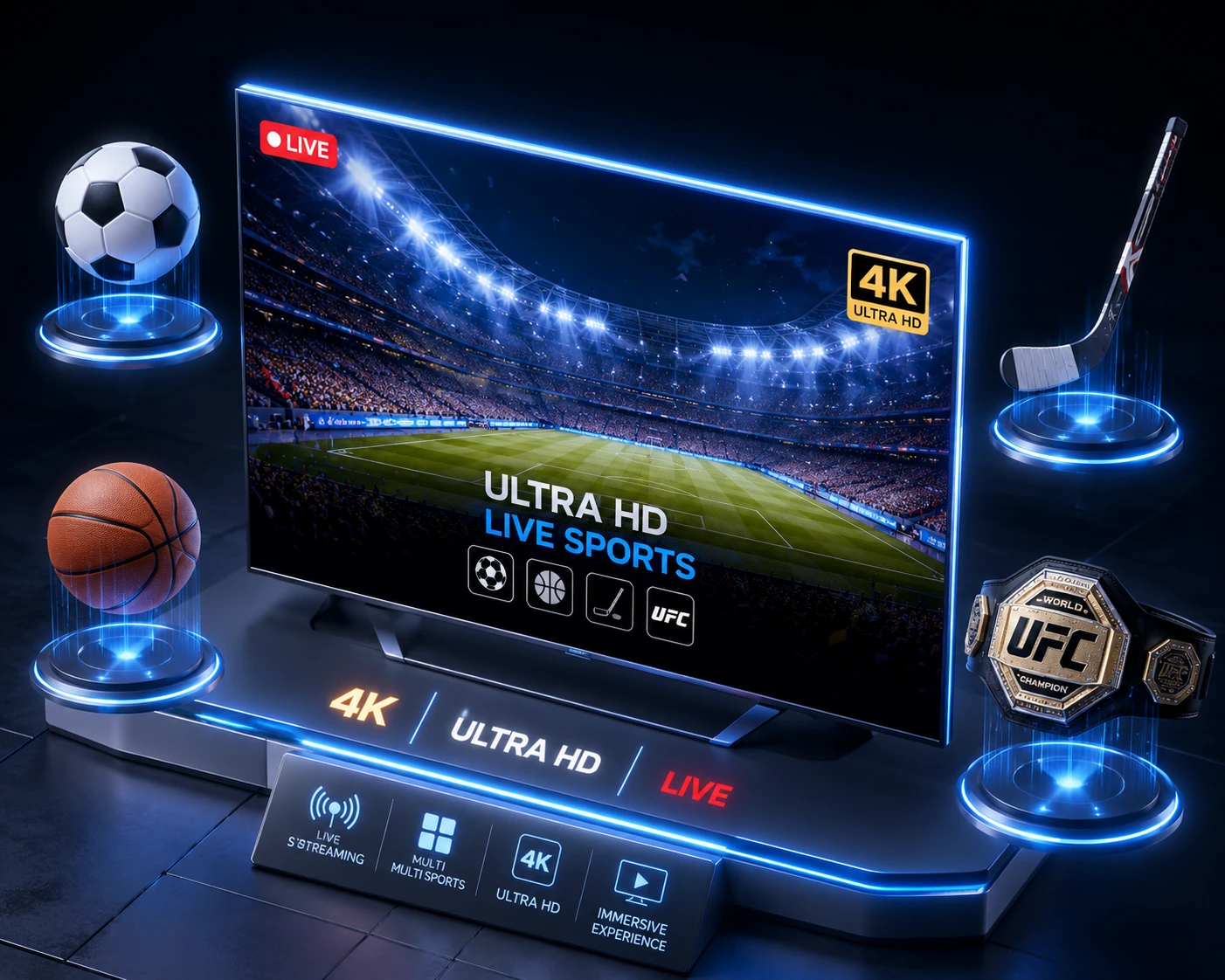
Sports is where 4K IPTV earns its reputation. In the USA, that means NFL Sunday games, NBA, MLB and every UFC pay-per-view in Ultra HD. In Canada, it means the full NHL slate in a clarity that broadcast TSN/Sportsnet feeds cannot match, plus Premier League and Champions League soccer at European-source quality. Two things matter for sports specifically:
- Frame rate. Real sports channels in 4K should run at 50/60fps — half the smoothness disappears at 30fps. Native 4K60 is the gold standard for fast play.
- Peak-hour stability. A 4K stream that buffers in the fourth quarter is worthless. This is where anti-freeze server infrastructure — the core of a premium IPTV service — makes the difference.
Browse the full sports lineup on our channels list, with over 90,000 live channels and 270,000+ movies and series in one subscription.
How to Set Up 4K IPTV Tonight — 5 Steps
- Test your connection. 25 Mbps+ on a speed test, ideally over Ethernet.
- Get a plan. Grab the DodoIPTV one-month plan — activation in minutes, delivered on WhatsApp.
- Install a 4K-ready app. IPTV Smarters Pro (easiest) or TiViMate (best guide) on your Firestick 4K or Smart TV.
- Load your login and pick a 4K channel. Look for the UHD/4K category in the channel list.
- Stress-test during prime time. Watch a live game between 7–11 PM. If it stays sharp and smooth, you have found a real 4K provider.
4K IPTV vs Cable 4K vs Netflix 4K
It helps to see where 4K IPTV sits against the alternatives North Americans actually use. Cable and satellite operators in the USA and Canada do offer 4K — but only on a handful of dedicated channels, usually for marquee events, and almost always behind an extra monthly fee plus a UHD receiver rental. The bulk of their lineup remains 1080i, a broadcast standard from two decades ago. Netflix, Disney+ and Prime Video stream excellent 4K HDR, but only for on-demand shows and films — they cannot give you a live NFL Sunday, an NHL night in Canada, or a UFC pay-per-view.
4K IPTV is the only option of the three that applies Ultra HD to live television at scale: hundreds of live channels plus a Netflix-sized VOD library in one subscription. The trade-off is that quality varies wildly between providers, which is why everything in this guide comes back to the same advice — verify native 4K yourself on a short plan before you commit. For a wider look at what a reliable service looks like versus a scam, our write-up on what Reddit really says about the best IPTV is worth ten minutes.
4K Availability: USA vs Canada
The 4K experience is nearly identical on both sides of the border, with two practical differences. In the USA, the deepest 4K coverage clusters around national sports — NFL, NBA, MLB, UFC — plus the big entertainment networks, and average fixed broadband speeds comfortably exceed 4K requirements in every state. In Canada, hockey is the headline: a premium IPTV lineup carries the full NHL schedule in Ultra HD, alongside TSN and Sportsnet feeds, CBC and CTV, and the same US and international channels American subscribers get. Canadian internet plans skew slightly more data-capped in rural areas, so if you are on a capped plan, note that heavy 4K viewing consumes roughly 7–11 GB per hour — worth checking your ISP allowance before binge season. A single North American subscription covers both lineups; see the full channels list for details.
Multi-Room 4K: Watching on More Than One Screen
A common real-world question: what happens when the living room TV runs the game in 4K while someone else streams a movie in the bedroom? Two numbers decide it. First, your subscription’s simultaneous-connection count — most plans start at one screen, with two- and three-screen options costing slightly more; pick the count that matches your household rather than overpaying. Second, your bandwidth: two parallel 4K streams want 50–70 Mbps of real throughput, which most urban fiber and cable plans in the USA and Canada deliver easily, but a 30 Mbps DSL line does not. If your connection is modest, a practical trick is letting the second screen run at 1080p — half the bandwidth, still an excellent picture on smaller TVs — while reserving full 4K for the main screen. Details on connection counts are in our guide to IPTV on multiple devices, and plan pricing is on our pricing page.
8K IPTV — Real Thing or Marketing Gimmick?
You will increasingly see services advertising “8K IPTV.” Time for honesty. 8K resolution (7680×4320) carries four times the pixels of 4K — and in 2026 it is almost entirely a marketing label in the IPTV world, for three hard reasons:
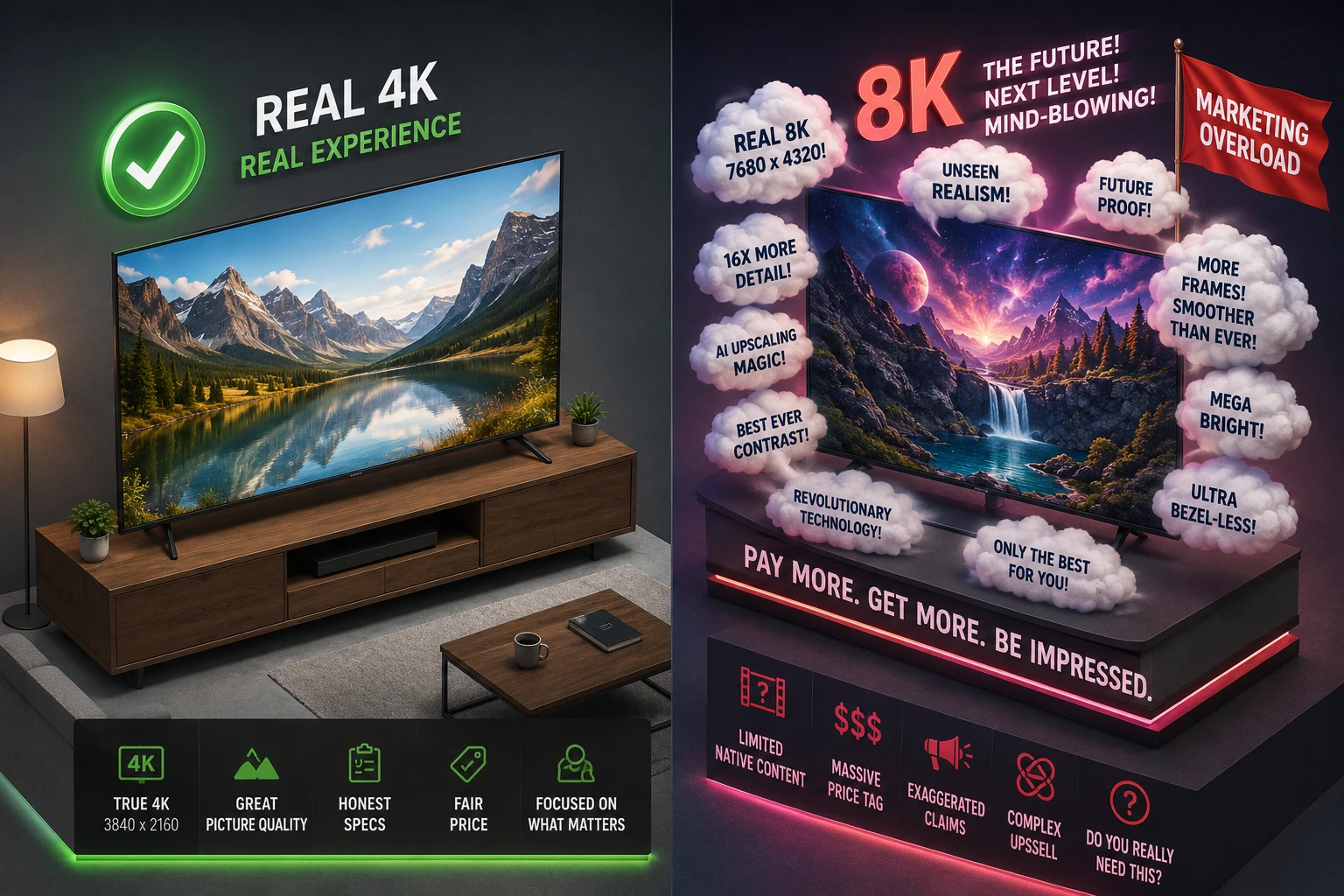
- There is almost no native 8K content. No major sports league broadcasts in 8K. No mainstream movie channel transmits 8K. A provider claiming “thousands of 8K channels” is upscaling — the same fake-resolution trick described above, one tier higher.
- The bandwidth is brutal. Real 8K needs 80–100 Mbps per stream even with modern codecs. That breaks most home setups the moment a second person starts watching.
- You probably cannot see the difference. On TV sizes under ~75 inches at normal viewing distance, the human eye cannot resolve the extra detail 8K provides. 4K + HDR at a proper bitrate looks better than starved 8K every single time.
Our advice for 2026: treat “8K IPTV” claims as a red flag for over-promising, and judge providers on whether their 4K is genuinely native, HDR-capable and stable in peak hours. When real 8K sports broadcasts eventually arrive, the same infrastructure principles will decide who delivers it properly — and we will update this guide.
Common 4K IPTV Problems (And Quick Fixes)
| Problem | Likely cause | Fix |
|---|---|---|
| Buffering on 4K channels only | Connection or Wi-Fi bottleneck | Ethernet, or move router; confirm 25 Mbps+ at the device |
| Picture looks soft despite “4K” label | Provider upscaling fake 4K | Switch provider — test with a real one-month plan |
| Stutter / dropped frames | Device can’t decode HEVC 4K60 | Upgrade to Firestick 4K Max or Shield |
| 4K works daytime, dies at night | Oversold servers at peak | You need a premium provider with anti-freeze infrastructure |
| No HDR colors | HDMI port / cable / TV setting | Use HDMI 2.0+ port, enable “Enhanced HDMI” in TV settings |
The Verdict
4K IPTV in 2026 is not a luxury add-on — with the right provider it is simply included, and it beats the picture quality most cable subscribers in the USA and Canada have ever seen. The checklist is short: 25 Mbps+ connection (wired if possible), a 4K-capable stick or Smart TV, and a provider that streams native 4K with HDR and keeps it stable during prime time. DodoIPTV ticks every box with 90,000+ live channels, 270,000+ movies and series, 4K + HDR standard, and anti-freeze servers — and you can verify every claim yourself tonight on a one-month plan. Skip the 8K hype, demand real 4K, and enjoy the game the way it was filmed.
Frequently Asked Questions
What is 4K IPTV?
4K IPTV is live television and on-demand content streamed over the internet in Ultra HD resolution (3840×2160) — four times the detail of standard 1080p HD. With a provider that transmits native 4K, it delivers a sharper picture than most cable broadcasts in the USA and Canada.
What internet speed do I need for 4K IPTV?
Plan for 25–35 Mbps per 4K stream, and 50 Mbps+ if two people watch 4K simultaneously. A wired Ethernet connection is strongly recommended for live sports stability.
Is 4K IPTV more expensive?
Not with the right provider. Quality services like DodoIPTV include 4K + HDR on every plan — from $5 a month on a 2-year plan — while cable companies typically charge extra for their limited 4K offering.
How do I know if a provider’s 4K is real?
Test on a one-month plan: watch fast motion in a live game, check fine text sharpness, and view the stream bitrate in an app like TiViMate. Native 4K runs at roughly 15–25 Mbps; a “4K” channel at 6 Mbps is upscaled HD.
Is 8K IPTV worth it in 2026?
No — not yet. There is virtually no native 8K content to stream, real 8K would demand 80–100 Mbps per stream, and on typical TV sizes the visible difference over good 4K HDR is negligible. Treat “8K” advertising as a marketing flag and judge the provider’s actual 4K quality instead.
Which device is best for 4K IPTV?
The Fire TV Stick 4K Max is the best value for most households in the USA and Canada; the NVIDIA Shield Pro is the premium pick. Make sure whatever you choose supports HEVC 4K at 60fps — see our player apps guide for the right app on each device.
How much data does 4K IPTV use?
Roughly 7–11 GB per hour depending on the channel’s bitrate, versus about 3 GB per hour for 1080p HD. On unlimited home internet this is irrelevant, but if your Canadian or rural US plan has a data cap, a sports-heavy month of 4K viewing can reach several hundred gigabytes — check your allowance first.
Can I watch 4K IPTV on my phone or laptop?
Yes — IPTV Smarters Pro on iOS/Android and any modern browser or VLC on a laptop will play the streams. That said, on a 6-inch phone screen the visible difference from HD is minimal, so most users save 4K for the big screen and let mobile devices stream HD to conserve data and battery.