Short answer: Yes, DodoIPTV has a free trial: 24 hours on the full line — the same 90,000+ channels and 270,000+ movies and series that paying customers get — with no card and nothing to cancel. Message DodoIPTV on WhatsApp, say which device you use, and the trial login usually arrives within 15 minutes. If you like it, pick a plan from $15; if not, the trial simply ends.
A day is enough to know whether an IPTV service works in your home, as long as you test the right things. Here is how to get the DodoIPTV trial, a checklist for the 24 hours, and what happens when it ends.
What the free trial includes
- The complete channel line: 90,000+ live channels, including the US, UK and Canadian sports networks.
- The full video library of 270,000+ movies and series.
- 4K, FHD and HD streams and the EPG guide.
- Setup help from support for your device.
- No card, no payment details and no automatic subscription afterwards.
How to get the DodoIPTV free trial
- Tap Start Free Trial (or the WhatsApp button on any page) — the message is already written.
- Tell support which device you will watch on: Firestick, Samsung or LG TV, Android, iPhone, MAG or PC.
- Your trial login (server URL, username and password, plus an M3U link) arrives within about 15 minutes.
- Install a player — the DodoIPTV app guide lists the right one for each device — and enter the details.
- Start watching. The 24 hours run from activation.
Request the trial when you actually have time to watch, ideally a day with a live match you care about.
What to test in your 24 hours
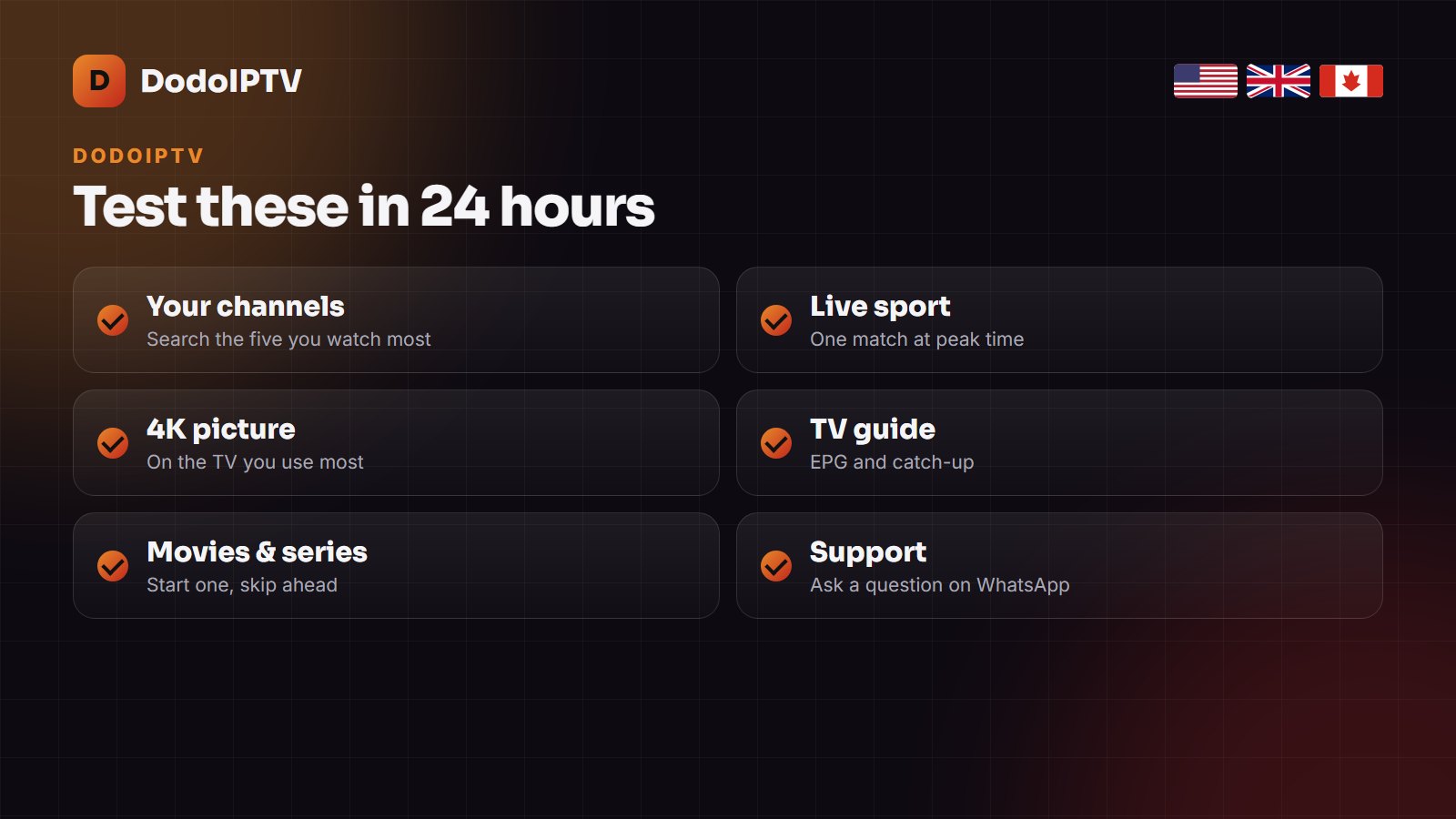
| Test | How | What good looks like |
|---|---|---|
| Your channels | Search the five channels you watch most | All there, in your country’s group |
| Peak-time sport | Watch a live match between 7 and 10 pm | No freezing on FHD; 4K steady on a fast line |
| Picture quality | Compare the 4K and FHD versions of a channel | Sharp picture, sound in sync |
| TV guide | Open the EPG for tonight | Programmes listed at the right local time |
| Movies and series | Start a film, skip ahead, turn on subtitles | Starts in seconds, seeks without stalling |
| Support | Ask support one question | A real answer within minutes |
If something buffers, run a speed test on the TV device itself before blaming the service: 25 Mbps is the comfortable minimum for FHD. Our buffering guide has the quick fixes.
After the trial
When the 24 hours end the trial line stops by itself; there is nothing to cancel and nothing is charged. To carry on, choose a plan on the pricing page and order on WhatsApp — most customers are watching on their paid line within 15 minutes, in the same player. Most trial users go for the 1 Year plan ($80, two screens); the DodoIPTV price guide compares all six.
A free trial is not the same as free IPTV
Free M3U playlists found online look similar for an evening, then links die, the guide does not match and there is no one to ask. A trial is different: it is the paid line itself, for one day, so what you test is exactly what you would buy. Our free IPTV vs paid IPTV comparison explains where free lists fall apart and the risks of running them.
Setting up the trial on your device
- Firestick: install IPTV Smarters Pro with Downloader — step by step here.
- Samsung or LG TV: IBO Player Pro or Smart IPTV, activated with the TV’s MAC address — see IPTV on a Smart TV.
- Android TV or phone: TiviMate or IPTV Smarters Pro from Google Play.
- iPhone, iPad, Apple TV: IPTV Smarters or IPTVX from the App Store.
Set the player up before you request the trial, so the 24 hours go on watching rather than installing. Not sure what DodoIPTV is like overall? Read the DodoIPTV review first.
The second safety net: 7-day money-back
A day cannot cover everything, such as how a second TV performs or a busy weekend of sport. That is why every new plan also carries a 7-day money-back guarantee: if the service does not work on your side and support cannot fix it, you get your money back.
Frequently asked questions
Is the DodoIPTV free trial really free?
Yes. No card or payment details are asked for, and nothing is charged when the 24 hours end.
How long is the DodoIPTV free trial?
24 hours from activation, on the full channel and VOD line.
Does the trial include all channels and 4K?
Yes. It is the same line paying customers get: 90,000+ channels, 270,000+ titles, 4K, FHD and HD.
How do I get the DodoIPTV trial?
Message DodoIPTV on WhatsApp at +1 (505) 528-2537 or tap Start Free Trial on the site; the login usually arrives within 15 minutes.
What happens when the trial ends?
The trial line stops on its own. If you want to continue, order a plan on WhatsApp and you are watching again in minutes.