Short answer: DodoIPTV does not ship an app of its own: it is a subscription line that you open in a standard IPTV player. Install IPTV Smarters Pro or TiviMate on a Firestick or Android TV, IBO Player Pro or Smart IPTV on a Samsung or LG TV, and IPTV Smarters or IPTVX on an iPhone or Apple TV. Then enter the server URL, username and password from your DodoIPTV email (Xtream Codes), or paste the M3U link. Any “DodoIPTV APK” offered on a random site is not ours — install players from the official stores.
“DodoIPTV app” and “DodoIPTV player” are some of the most searched questions about the service, because the first thing new customers look for is something to download. This guide explains what you install instead, what each part of your login means, and the setup on every common device.
Is there an official DodoIPTV app or APK?
No, and that is normal for IPTV. The service is the line — the channels, guide and library on DodoIPTV’s servers. The player is a separate app made by another developer, and the same login works in any of them. That means you can switch players whenever you want without changing your subscription.
Install players from the Amazon Appstore, Google Play, the Apple App Store, the Samsung or LG store, or the developer’s own site through the Downloader app on Firestick. Avoid modified APKs from file-sharing sites: they are a common source of malware and of players that break after an update.
Which app to use on each device
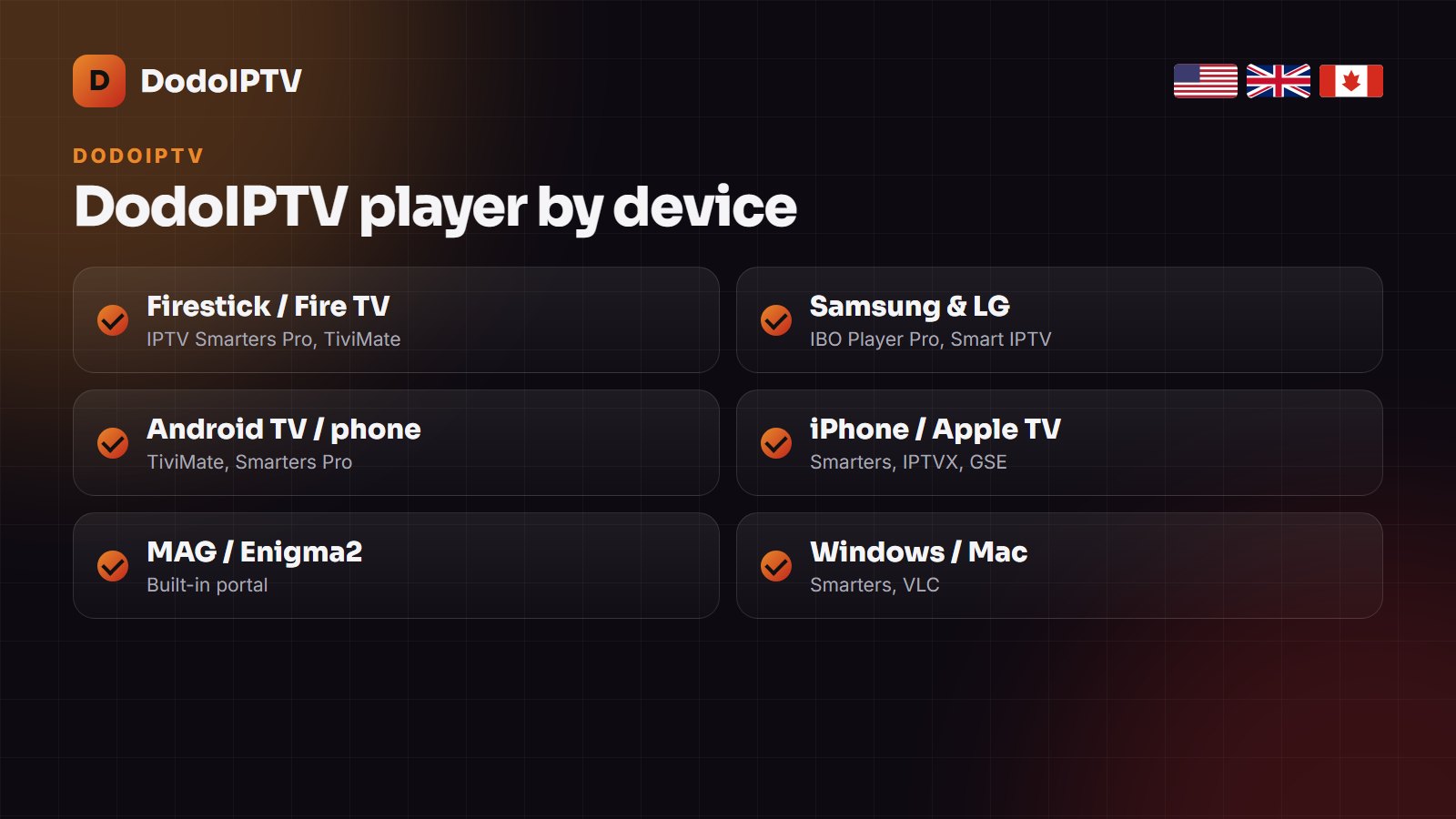
| Device | Recommended player | How you log in |
|---|---|---|
| Amazon Firestick / Fire TV | IPTV Smarters Pro, TiviMate | Xtream Codes (URL, username, password) |
| Samsung Smart TV (Tizen) | IBO Player Pro, Smart IPTV | TV’s MAC address on the app’s website + your M3U or Xtream details |
| LG Smart TV (webOS) | IBO Player Pro, Smart IPTV | Same MAC-address method |
| Android TV, Google TV, Android phone | TiviMate, IPTV Smarters Pro | Xtream Codes |
| iPhone, iPad, Apple TV | IPTV Smarters, IPTVX, GSE Smart IPTV | Xtream Codes or M3U |
| MAG box, Enigma2 | Built-in portal | Portal URL; your MAC address is registered on the line |
| Windows PC, Mac | IPTV Smarters, VLC | Xtream Codes or M3U |
Not sure which player you prefer? Our best IPTV player comparison tests seven of them on speed, guide and subtitles.
Your DodoIPTV login details, explained
- Server URL (also called host or portal): the address of the DodoIPTV server, starting with http.
- Username and password: your personal line. Type them exactly; they are case-sensitive.
- M3U link: one long URL that contains all three; paste it into players that ask for a playlist.
- EPG link: most players load the guide automatically with Xtream Codes; if not, the EPG URL is in the same email.
In most players choose Login with Xtream Codes API, give the playlist any name (for example DodoIPTV) and enter the three fields. Lost the email? Message support on WhatsApp and they resend the details or issue a new password.
What is the “activation code” some apps ask for?
Players such as IBO Player Pro, Smart IPTV and some MAG apps show a MAC address and a device key or activation code on the TV. That code belongs to the player, not to DodoIPTV: you enter it on the player’s website to attach your playlist, and some players charge a small one-off activation fee after a free week. That fee goes to the app developer; your DodoIPTV plan is separate.
Setup on Firestick in five minutes
- Settings → My Fire TV → Developer options: turn on Apps from unknown sources for Downloader.
- Install Downloader from the Appstore and use it to install IPTV Smarters Pro from the developer’s official link.
- Open Smarters, choose Login with Xtream Codes API and enter your server URL, username and password.
- Wait a minute while channels, the guide and VOD load, then add your favourites.
The full walkthrough with screenshots is in IPTV Smarters Pro on Firestick; Smart TV owners should follow IPTV on a Smart TV, and every other device is on the devices page.
Common app and login errors
- “Invalid username or password”: check capitals and spaces; copy-paste from the email if you can.
- “Account expired”: the plan has ended — renew and the same login works again.
- “Max connections reached”: more screens are playing than your plan allows; stop one, or add a connection.
- Channels load but no guide: refresh the EPG — see how the EPG works.
- Anything else: our DodoIPTV not working guide.
Frequently asked questions
Is there an official DodoIPTV APK?
No. DodoIPTV is a subscription line that works in standard players such as IPTV Smarters Pro, TiviMate and IBO Player. Install those from the official stores, not from APK sites.
What is the DodoIPTV activation code?
DodoIPTV has none. The code or device key you see on screen belongs to the player app (IBO Player, Smart IPTV and others) and is entered on that app’s website.
Where do I find my DodoIPTV username and password?
In the email you receive 5 to 15 minutes after payment. Support can resend it on WhatsApp at any time.
Which app is best for DodoIPTV?
TiviMate for the best TV guide on Firestick and Android TV, IPTV Smarters Pro for the easiest setup, and IBO Player Pro on Samsung and LG TVs.
Can I use the same DodoIPTV login on several devices?
Yes. Install it on as many devices as you like; your plan sets how many can play at the same time (1 to 5).