Short answer: When DodoIPTV stops working, it is rarely the whole service. In two minutes you can tell: if films play but live channels do not, the line is fine and the player needs a refresh; if nothing loads on any device, check the login and expiry date; if it buffers only in the evening, it is almost always Wi-Fi or your internet provider. Restart the device and router, run a speed test, then message support on WhatsApp — they can check your line and move it to another server in minutes.
“Is DodoIPTV down?” is a fair question when the screen goes black in the middle of a match. This guide gets you from the symptom to the fix without guessing, starting with the quick checks and ending with what to send support so they can fix it on the first reply.
The two-minute check
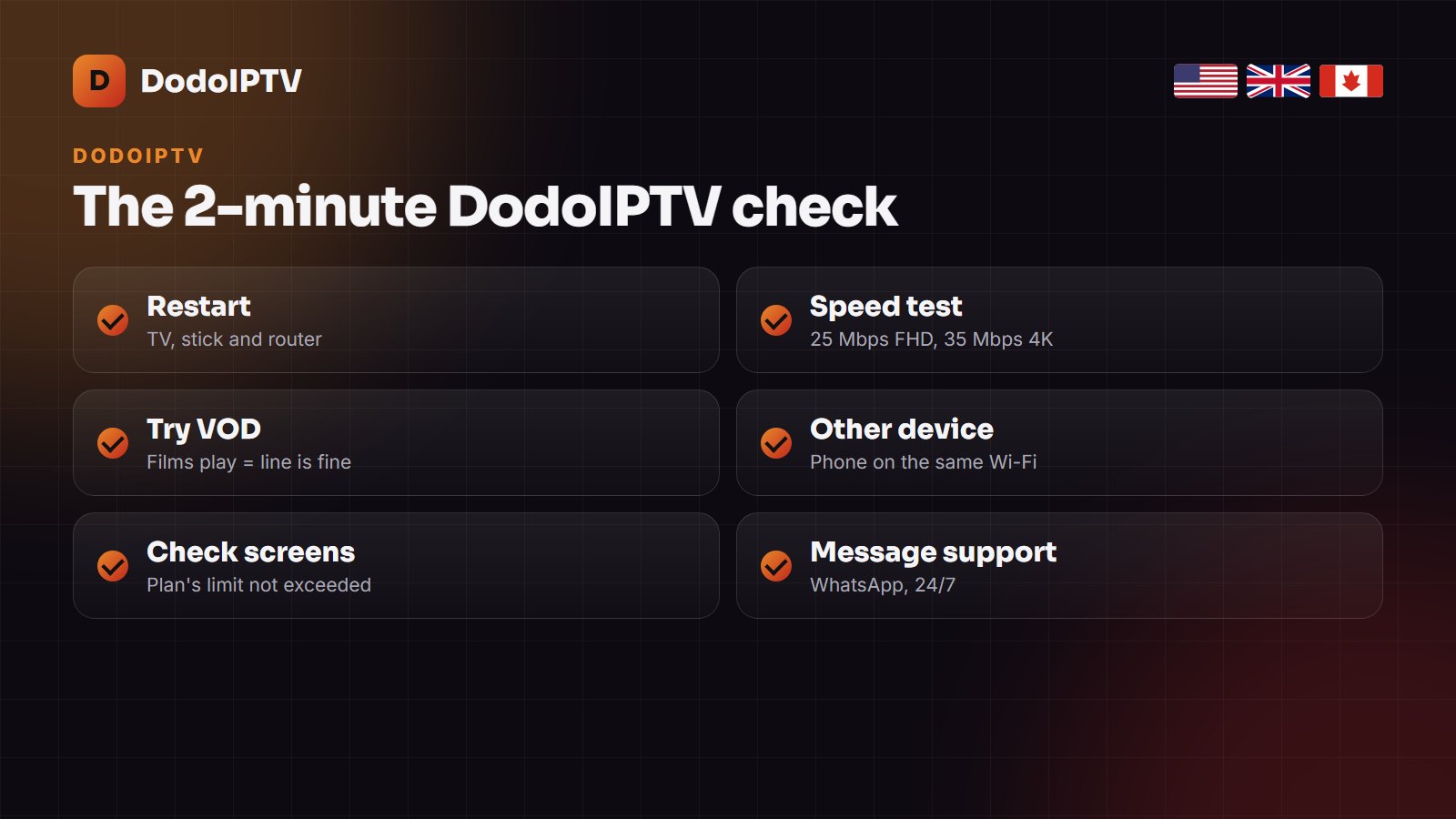
- Restart the TV or stick and the router (unplug both for 30 seconds).
- Open a film from the VOD section. If films play, your line and login work.
- Try the same login on your phone, on the same Wi-Fi.
- Run a speed test on the TV device: 25 Mbps for FHD, 35 Mbps for 4K.
- Make sure no more screens are playing than your plan allows.
Symptom, cause and fix
| What you see | Most likely cause | Fix |
|---|---|---|
| “Invalid login” or authorization failed | Typo, or a changed password | Re-enter the details from the email; ask support to resend them |
| “Account expired” | The plan has ended | Renew on the pricing page; the same login works again |
| “Max connections reached” | Too many screens playing | Stop one stream, or add a connection on WhatsApp |
| Buffering, mostly in the evening | Wi-Fi or ISP throttling | Ethernet or 5 GHz, change DNS, try a VPN |
| Channels play, no TV guide | EPG not refreshed | Update the EPG in the player; check the time zone |
| One channel dead, the rest fine | That source is down | Try its FHD or HD version; report it to support |
| Nothing loads on any device | Server or DNS issue | Restart the router, then message support |
Login and “account expired” errors
Usernames and passwords are case-sensitive, and a space copied by accident at the end is enough to fail. Copy-paste them from the DodoIPTV email where you can. If the player says the account has expired, the plan has reached its end date — nothing renews on its own. Renew and support extends the same login, so your favourites and settings stay. If you think someone else is using your login, ask support for a new password.
Buffering and freezing
Buffering that starts at 7 or 8 in the evening and vanishes by midnight is the classic sign of a busy home network or an internet provider slowing video traffic. In order: connect the TV with Ethernet or move it to 5 GHz Wi-Fi, set DNS to 1.1.1.1 or 8.8.8.8, clear the player’s cache, and lower that channel to FHD. If your provider throttles IPTV, a VPN usually solves it. The full list is in our IPTV buffering fix guide.
TV guide missing or wrong
An empty guide is a refresh problem, not a broken line. In IPTV Smarters choose Refresh EPG; in TiviMate update the playlist and the EPG source. If programmes show at the wrong time, set the player’s time zone and turn on automatic date and time on the device. What EPG is and how to fix it covers every player.
It stopped after a TV or Firestick update
System updates sometimes remove sideloaded apps or reset their data. Reinstall the player (see the DodoIPTV app guide), log in again with your details, and on Samsung or LG re-add the playlist with the TV’s MAC address on the player’s website.
When to message support, and what to send
If the quick checks do not fix it, message support on WhatsApp at +1 (505) 528-2537, 24/7. Send these in the first message and the fix usually comes on the first reply:
- your username (never your card details);
- the device and the player app;
- what fails: everything, live only, or one channel (name it);
- a photo of the error message.
Support can check your line, reset it, or move it to a different server node in a few minutes. On a new plan, if the problem cannot be fixed, the 7-day money-back guarantee applies. For problems that are not specific to DodoIPTV, see our general IPTV not working checklist.
Frequently asked questions
Is DodoIPTV down right now?
Almost never for everyone. Try a film from the VOD section and the same login on your phone. If both fail after a router restart, message support on WhatsApp and they will check your line.
Why does DodoIPTV say my account has expired?
Your plan has reached its end date. Nothing renews automatically; renew from the pricing page and the same login is extended.
Why does DodoIPTV buffer only in the evening?
Peak-time congestion on home Wi-Fi or throttling by the internet provider. Use Ethernet or 5 GHz, change DNS, or try a VPN.
Will I lose my channels if I reinstall the app?
No. The channels live on your DodoIPTV line. Reinstall the player, log in again, and they all come back; only favourites saved in the app may need adding again.
Can I get a refund if DodoIPTV does not work?
Yes. On a new plan, if support cannot fix a problem on your side within 7 days, you are covered by the money-back guarantee.